Assets Module
Streamline Asset Management for Your Workforce
The Assets Module in ClusterHR simplifies how organizations manage their assets. From assignment to recovery, every stage of the asset lifecycle is tracked, ensuring accountability and efficient resource allocation.
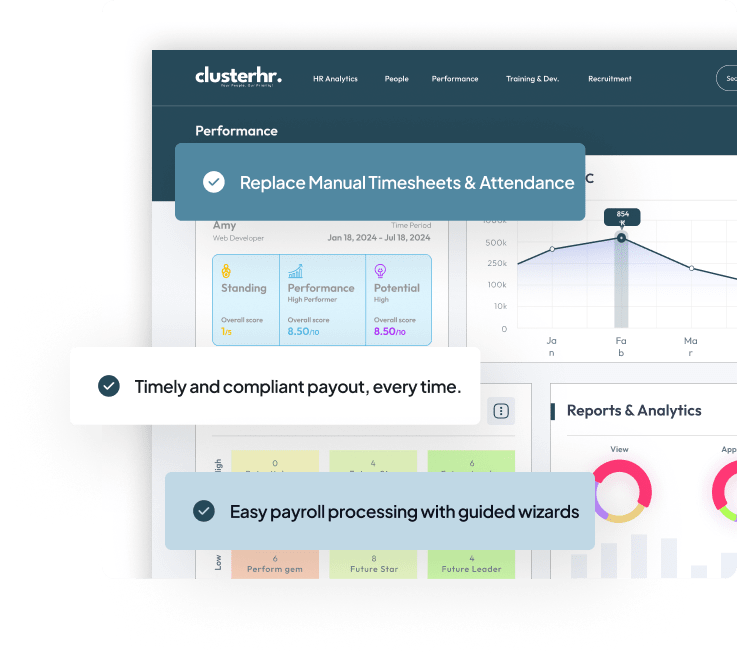
Unlock the Essentials of ClusterHR
HRMS systems streamline administrative HR operations to ensure efficient employee management. Hence, the common functions of HRMS systems include.

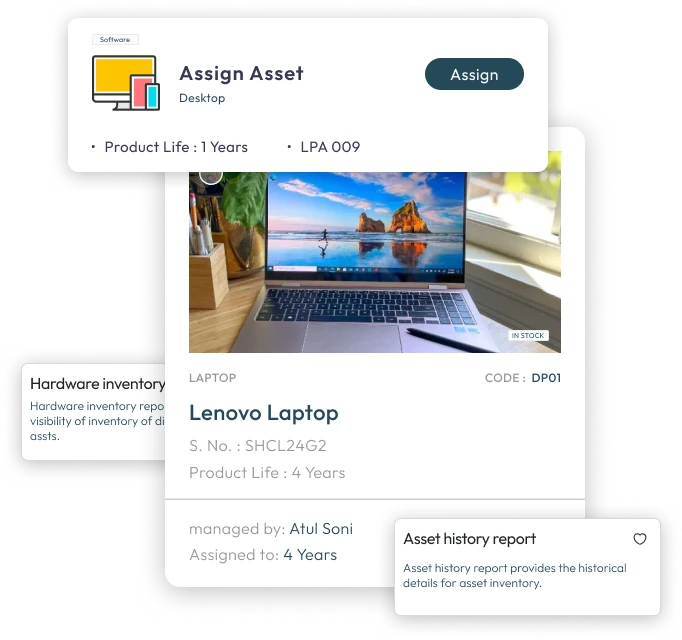
Easily allocate devices, equipment, and resources to employees with real-time tracking.

Streamline the return of company assets during employee offboarding.

Maintain accurate records of asset availability and usage across departments.

Schedule and track maintenance activities to ensure asset longevity.

Generate detailed reports on asset allocation, recovery, and overall utilization.
Unlock the Essentials of ClusterHR
HRMS systems streamline administrative HR operations to ensure efficient employee management. Hence, the common functions of HRMS systems include:

Reduces the administrative burden on HR by allowing employees to handle their own requests and updates.

Empowers employees to take charge of their information and development, fostering a sense of ownership and involvement.

Streamlines processes, allowing both employees and HR to save time and focus on strategic initiatives.

Provides employees with clear visibility into their personal data, leave balances, and performance metrics, promoting trust and clarity.
Take control of your assets efficiently with ClusterHR’s comprehensive Assets Module.
FAQs
Frequently Asked Questions
1. How can ClusterHR help track equipment assigned to employees?
ClusterHR’s Assets module focuses on tracking company assets assigned to employees. An asset system can maintain an inventory with asset type, unique identifier, assigned employee, allocation date, condition, and status. This gives authorised teams a clearer view of who holds each item. Timely updates and periodic checks keep records accurate.
2. How can ClusterHR support asset issue and return records?
ClusterHR’s Assets module focuses on tracking company assets assigned to employees. Software can record when an asset is assigned, transferred, returned, or sent for repair. A documented history helps teams review responsibility and follow up on unreturned items. Businesses should define a standard handover process.
3. How can businesses organise maintenance details alongside ClusterHR asset records?
ClusterHR’s Assets module focuses on tracking company assets assigned to employees. Depending on the system, asset records can include maintenance dates, repair notes, warranty information, and replacement status. These details help teams plan service. Confirm whether maintenance scheduling and alerts are supported.
4. How can ClusterHR help with asset handovers during employee offboarding?
ClusterHR’s Assets module focuses on tracking company assets assigned to employees. A separation checklist can identify assigned assets and record whether each item was returned, inspected, or needs follow-up. Connecting the checklist with offboarding helps reduce missed handovers. Any recovery or deduction must follow policy and applicable law.
5. Which details should teams maintain in ClusterHR employee asset records?
ClusterHR’s Assets module focuses on tracking company assets assigned to employees. An asset register commonly includes asset name, category, serial or tag number, assigned employee, issue and return dates, condition, and status. Businesses may also record purchase, warranty, and maintenance information. Limit access to authorised users. Businesses can review ClusterHR’s available configuration and workflows to see how this module fits their requirements.